You don’t need
the whole plan.
Just a place to begin. One thought becomes a few small steps. Let’s make a weekend of it.
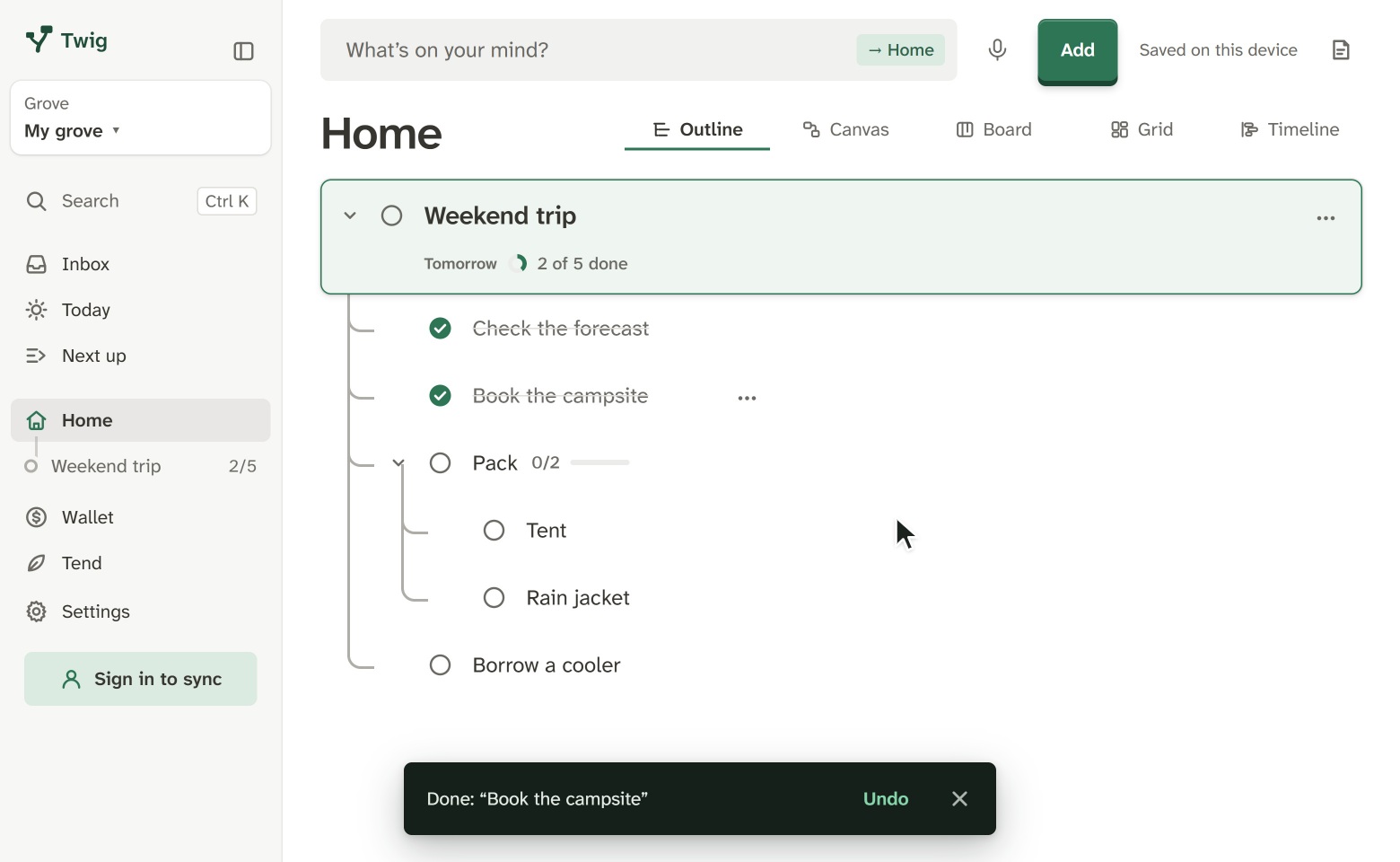
On your mind: a weekend trip, growing tomatoes or learning Spanish. Write it down and break it into small steps. Twig keeps each one’s next step in view, so you always know where to start.
What you type becomes your first card. No account needed; it stays in this browser.
Twig מדבר עברית, מימין לשמאל.

12 loose thoughts, captured. One tap finds your next step.
Just a place to begin. One thought becomes a few small steps. Let’s make a weekend of it.
Name it, then list what it takes, a line each. Two spaces at the start tuck a line inside the one above.
Or start from one: Empty both boxes to see the examples again.
Paint the spare room
Next up
Choose a colourPaint the spare room
Tick a step to see the next one come up.
Weekend trip says 1 of 5 done. Ask why, and Twig shows you exactly what it counted.
The same 1 of 5, in four views
Outline
An indented list: the quickest way to write steps down and put them in order.
Canvas
Cards side by side, to see the shape of a big idea. On wider screens.
Board
To do, In progress and Done, for when a project is under way.
Grid
Each card a tile with a checklist inside, like notes on a board.
Drawings of Twig’s four views.
Start in your browser. Take your ideas with you when you’re ready.


Both. A card can be a thought, a note or a task, and hold smaller cards. Your ideas and what you’ll do about them stay together.
Open it and choose Break it down. Write the steps a line each, and you’ll see the cards before they’re added.
Habits that repeat every day or a few times a week, with your run and your best. A note for each day, week and month, with that day’s cards. And how long each step takes, with your day laid out by the hour.
Not built in. If you already use an assistant like Claude or ChatGPT, you can connect it: it reads your cards, changes them only if you let it, and what it reads becomes part of your chat with it. Disconnect it whenever you like.
Twig is free to use, and there’s no paid plan. Its maker is also its first user. You don’t need an account either: open it and start.
No. Twig has no ads and no analytics, and doesn’t sell or share your data. The privacy page says what an account keeps, where, and how to delete it.
There’s no perfect place to start. The rest can grow from there.